Be anywhere.
Without going anywhere.
Mirrage changes where your iPhone thinks it is. Pick any spot on the map and your phone shows up there - or take a pretend drive or walk that moves just like the real thing.
- Cancel any time
- Step-by-step setup
- Switch off to go back to normal
Simple enough for anyone. Realistic enough to believe.
Pick any place
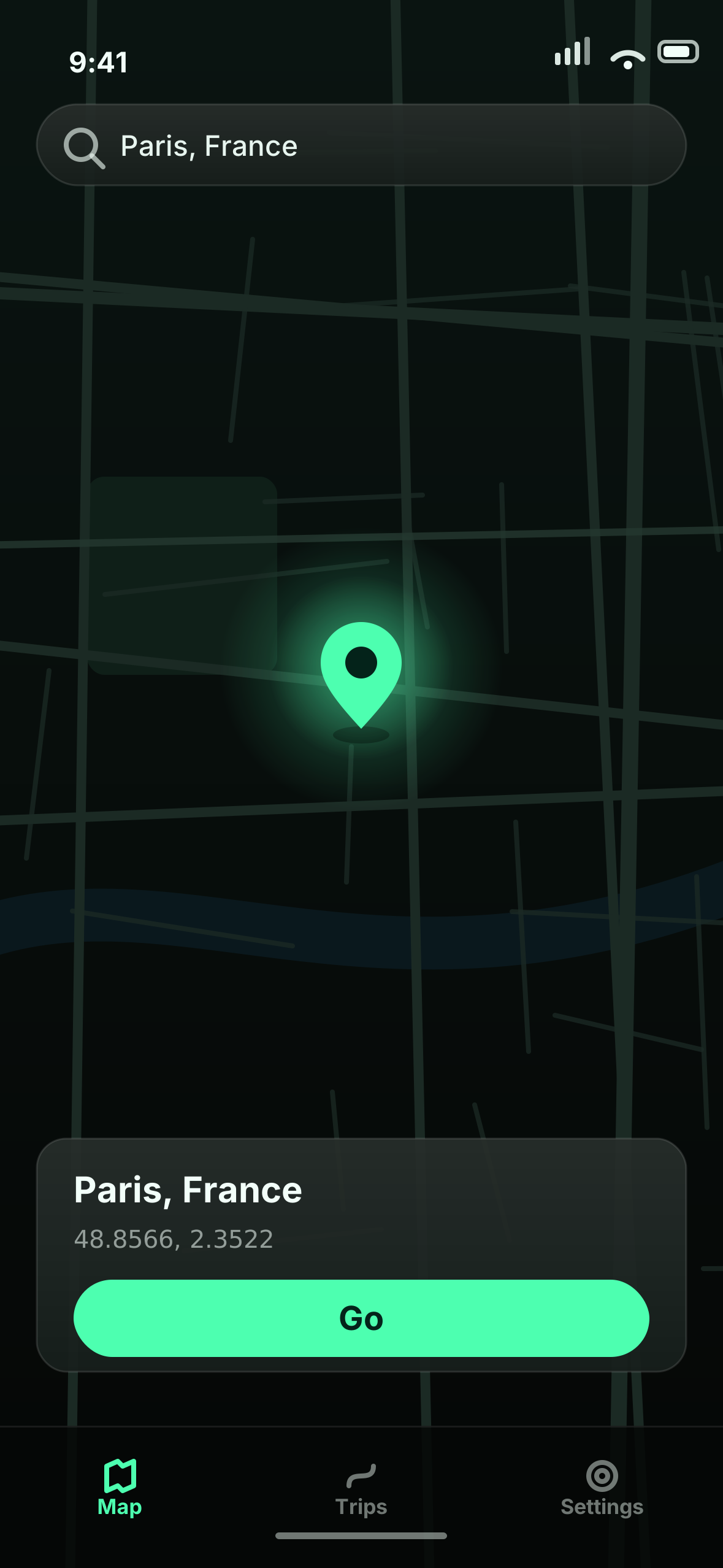
Search for an address or tap the map. Your phone appears there - and stays there until you change it.
Take a pretend trip
Choose where to go and how - driving or walking. It follows real roads at a normal speed, stopping at lights.
Add stops along the way
Coffee shop, then the gym, then home. Add as many stops as you like and it plans the whole route.
Wander around
Instead of sitting perfectly still, your location drifts around an area with little pauses - like a real person.
Everything happens in one app.
No settings to dig through, no computer once you're set up. Open Mirrage, choose where you want to be, done.
Choose a place
Search or tap the map, then press Go.
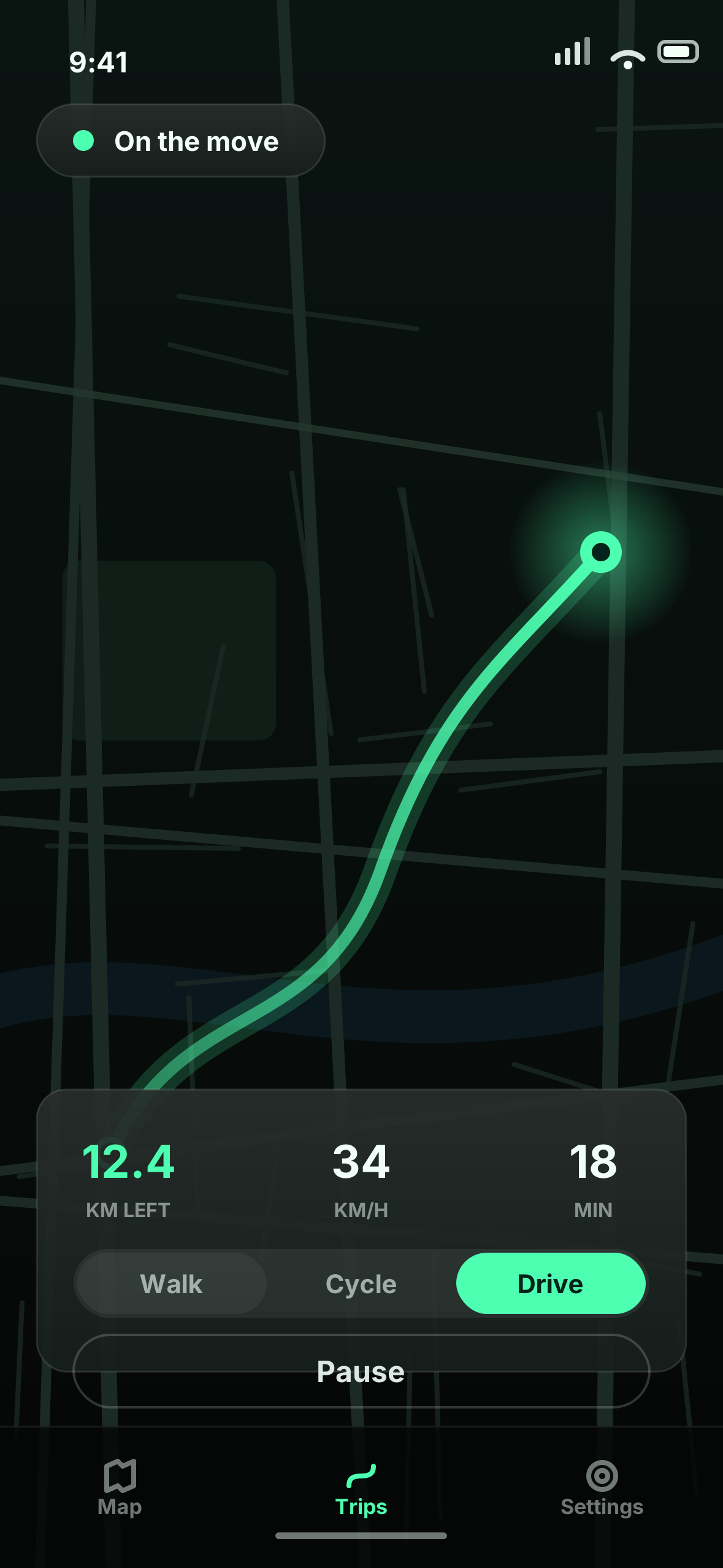
Plan a trip
Pick drive or walk and watch it move.
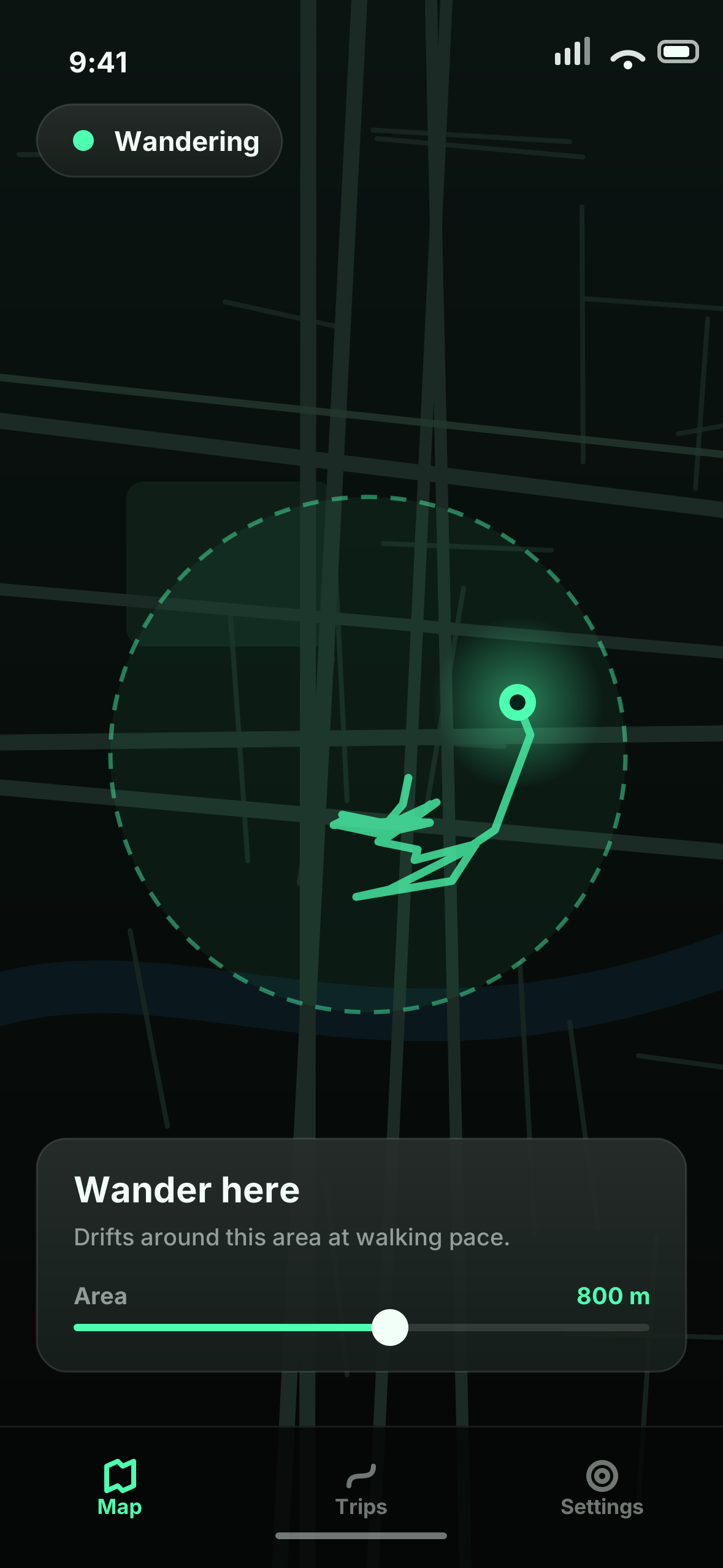
Wander
Drift around an area, naturally.
Moves like a person, not a robot.
Cheaper apps slide a dot along a straight line at one speed. Mirrage copies how people actually travel. Try it - the phone on this page is a working demo.
- It speeds up and slows downNo sudden jumps from one place to another.
- It stops at traffic lightsAnd keeps to the speed limit of the road it's on.
- It's never perfectly stillA tiny bit of natural drift, just like real phone GPS.
- It shows a sensible arrival timeWorked out once and counted down, like Maps does.
Interactive demo - tap Drive or Walk
Three steps, and only one needs a computer.
- 1
Choose a plan
Monthly or yearly. You'll get a licence key straight away - it's how the app knows you've paid.
- 2
Set up once
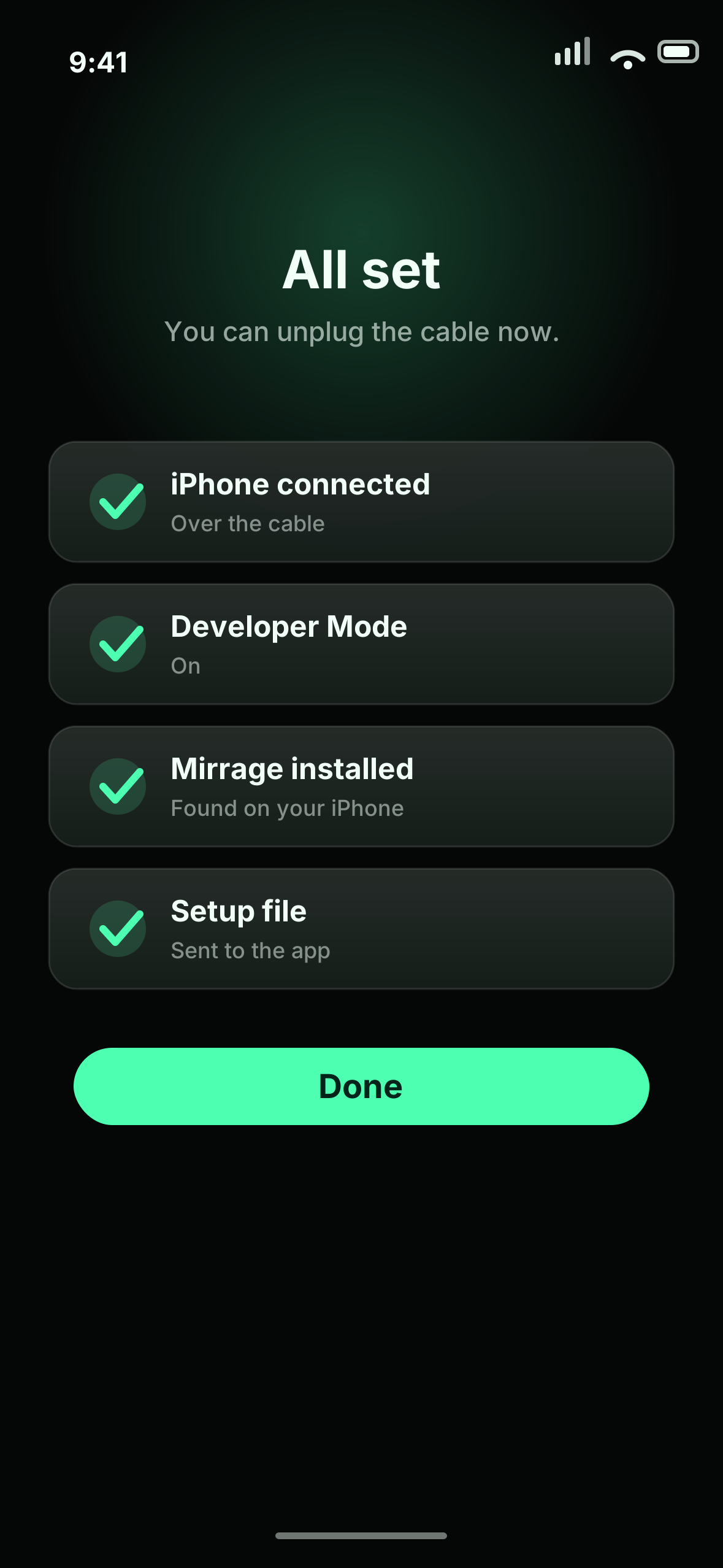
Plug your iPhone into any Mac or PC for a few minutes. Our setup app walks you through every click.
- 3
Go anywhere
Unplug and you're done. From then on, everything happens in the Mirrage app on your phone.
Nothing permanent. Stop Mirrage and your phone goes straight back to its real location. Your iPhone isn't modified in any way.
One app. Two ways to pay.
Both plans include everything. Yearly just costs less.
Launch offer · code MIRRAGE26 applied at checkout
Monthly
Pay as you go. Cancel whenever you like.
- Unlimited locations and trips
- Driving, walking and wander modes
- Guided setup
- All updates included
- Help if you get stuck
Yearly
Works out at £5.83 a month.
- Unlimited locations and trips
- Driving, walking and wander modes
- Guided setup
- All updates included
- Help if you get stuck
Secure checkout by Stripe · Cancel any time from your account
By subscribing you agree to our Terms and Privacy Policy. Renews automatically until you cancel.
Already a member? Manage your subscription →Good to know
No. If you can use Google Maps, you can use Mirrage. Setup is a one-off, and our setup app tells you exactly what to click at each step.
Yes. Mirrage uses the same location feature Apple gives app developers for testing. There's no jailbreak and nothing on your iPhone is changed - stop Mirrage and you're back to normal instantly.
Just once, for a few minutes, so your iPhone can give Mirrage permission. Any Mac or Windows PC works - it can even be a friend's. After that you never need it again.
A free helper app from the App Store. Mirrage needs it switched on to talk to your phone. It doesn't route your internet anywhere or collect anything - it just has to be on while you use Mirrage.
Yes, it keeps running in the background while you use other apps. If your iPhone restarts or runs very low on memory, your real location comes back and you just open Mirrage again.
Your whole phone reports the new location, so apps see it like any other. The realistic movement helps it look natural, but no app like this can promise it's impossible to detect.
Any time, in two clicks from your account page. You keep access until the end of the period you've paid for.
Yes. Cancel monthly from your account page, then pick yearly when your current month runs out - your licence key stays the same.
iPhones and iPads on iOS 17.4 or newer. It doesn't work on Android.
Still stuck? Read the help guide
Where do you want to be?
From £6.99 a month, or £69.99 for the whole year. Cancel any time.